🔥 Cyber Week: 40% Off Deep Art Effects – Dec 1–7 🔥

Days
Hours
Minutes
Seconds

Save 40% on Deep Art Effects during Cyber Week. Create stunning AI artworks, upscales, colorizations and image enhancements — all processed locally on your device for full privacy and high speed.
Offer valid from Dec 1 to Dec 7.

Deep Art Effects Pro for Desktop

CREATE UNIQUE & DIGITAL WORKS OF ART IN NO TIME

Artworks with just one click

Photos & Videos

Endless creativity

Works completely offline

Top notch Art-ificial software generation!

I have been extremely impressed with the product, and especially the service and support during the first days of use. Excellent product, wonderful artwork, thank you DeepArtEffects, and Julia in service dept!

Known from

What is Deep Art Effects?

Turn photos into works of art with just one click

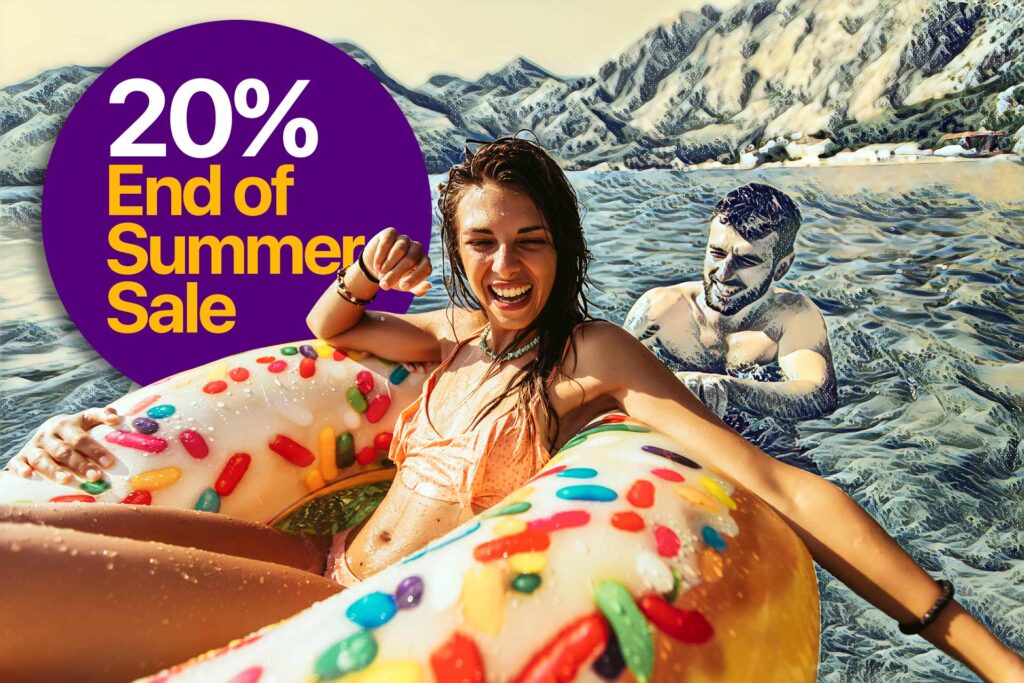
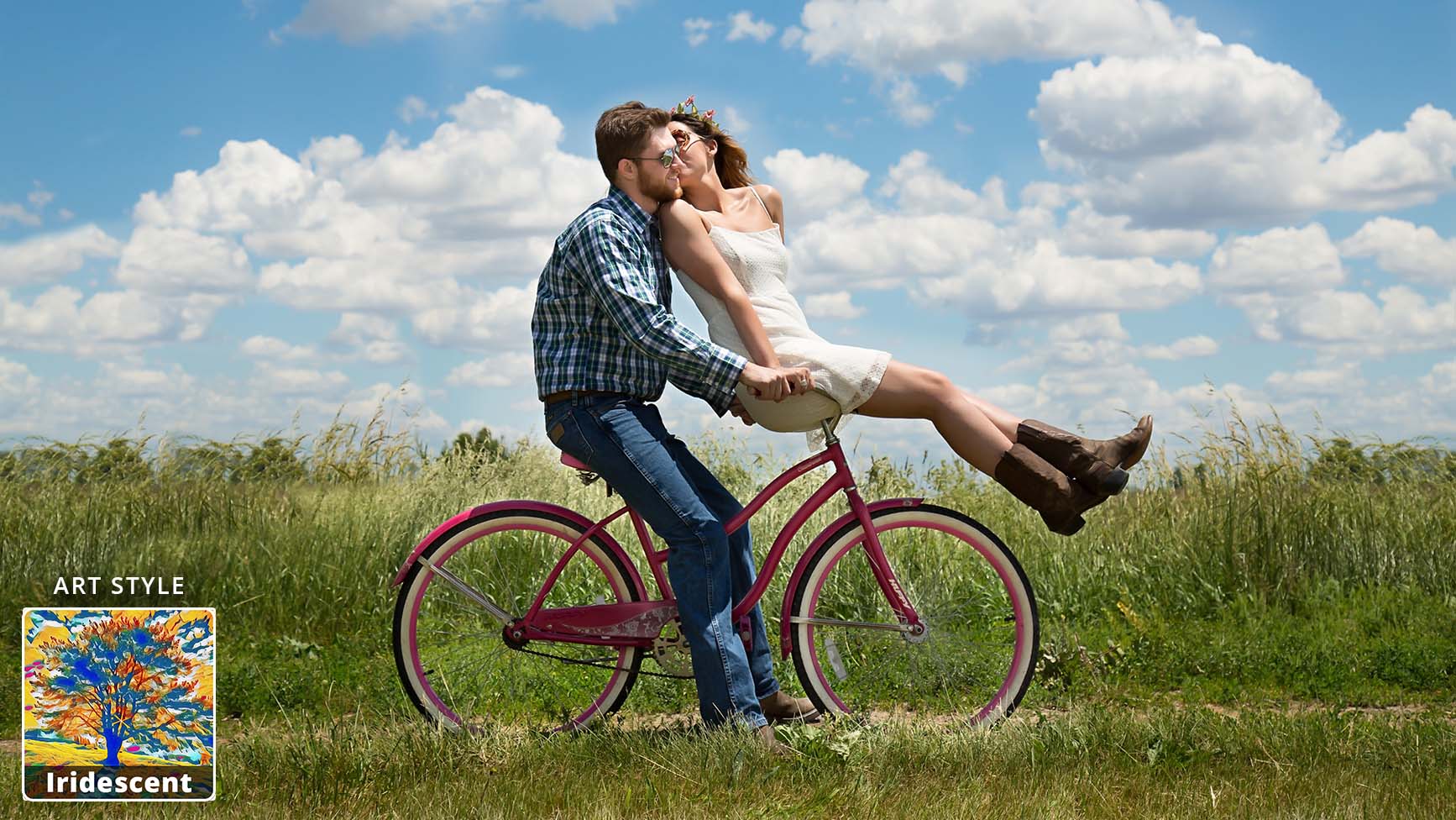
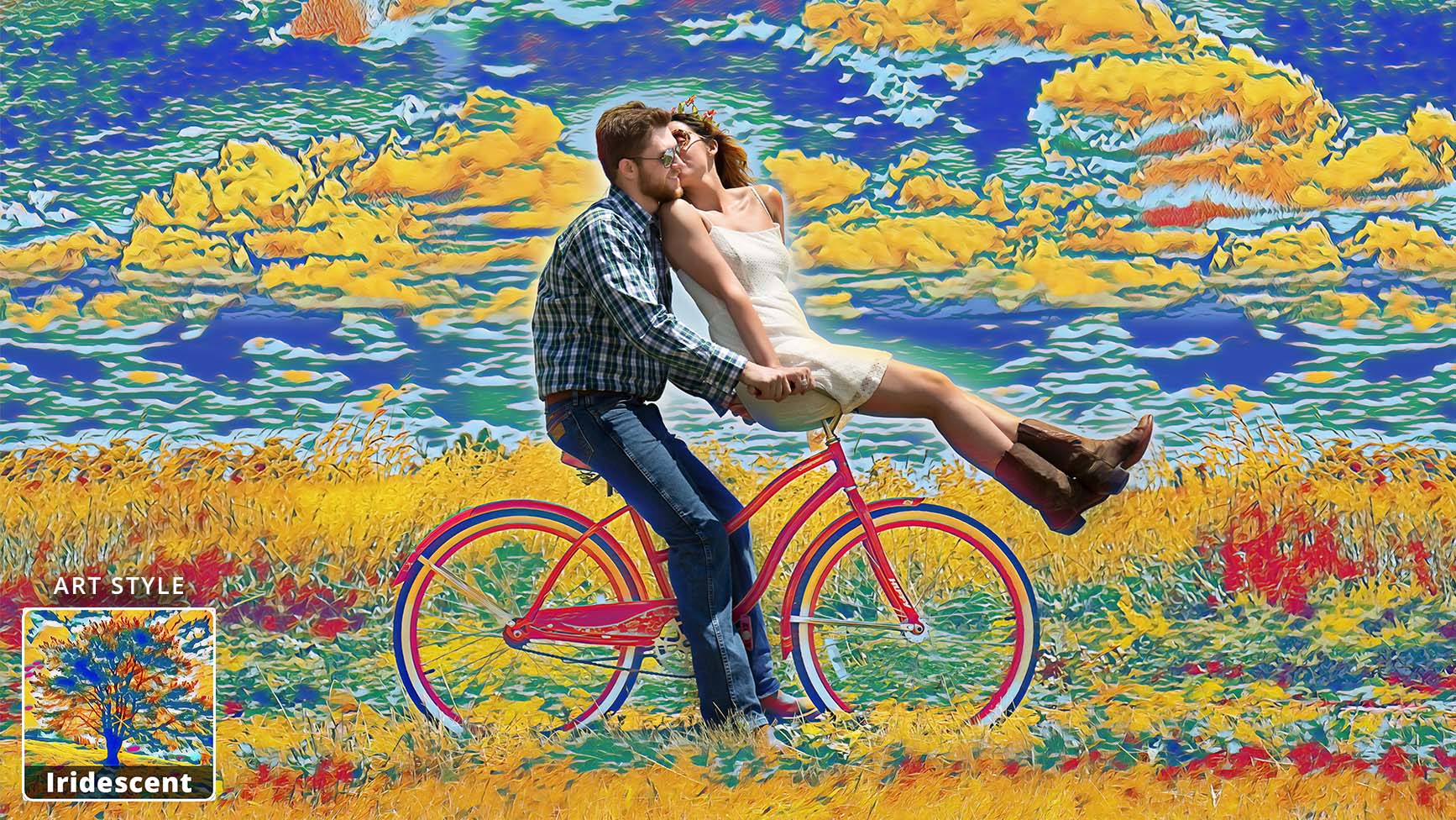
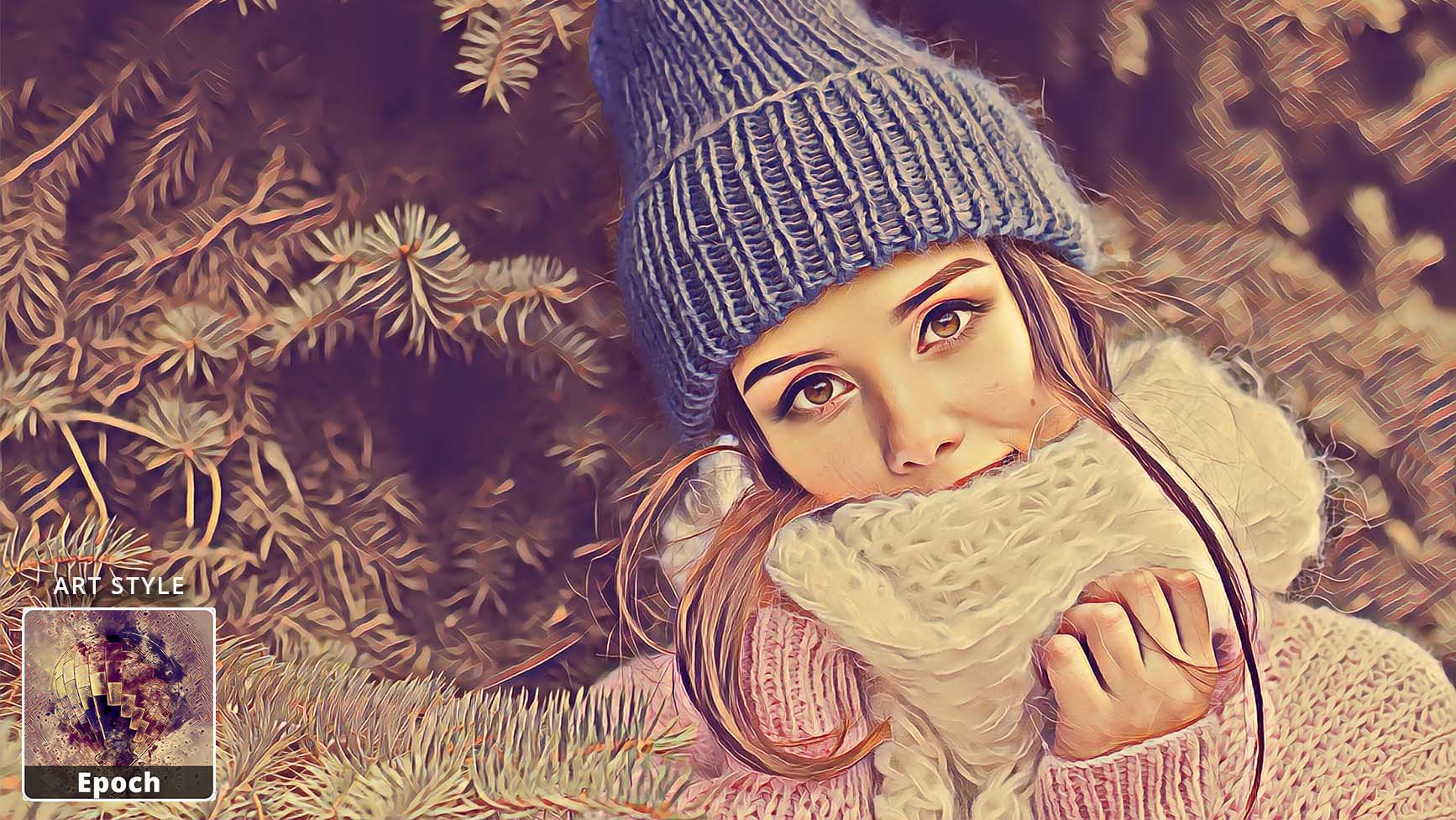
Turn pictures or videos into works of art. You can also edit only the background or only the foreground. Use a variety of parameters to create your individual artwork. Render images in any resolution.

Create own art styles

Our artificial intelligence recognizes patterns and structures and conjures up incredible results. You can upload any image as input style.

Endless creativity

Take artwork from your favorite artists and create your own artwork from their photos. Adjust brush size and style intensity to personalize your digital artwork.

Try a variety of art styles

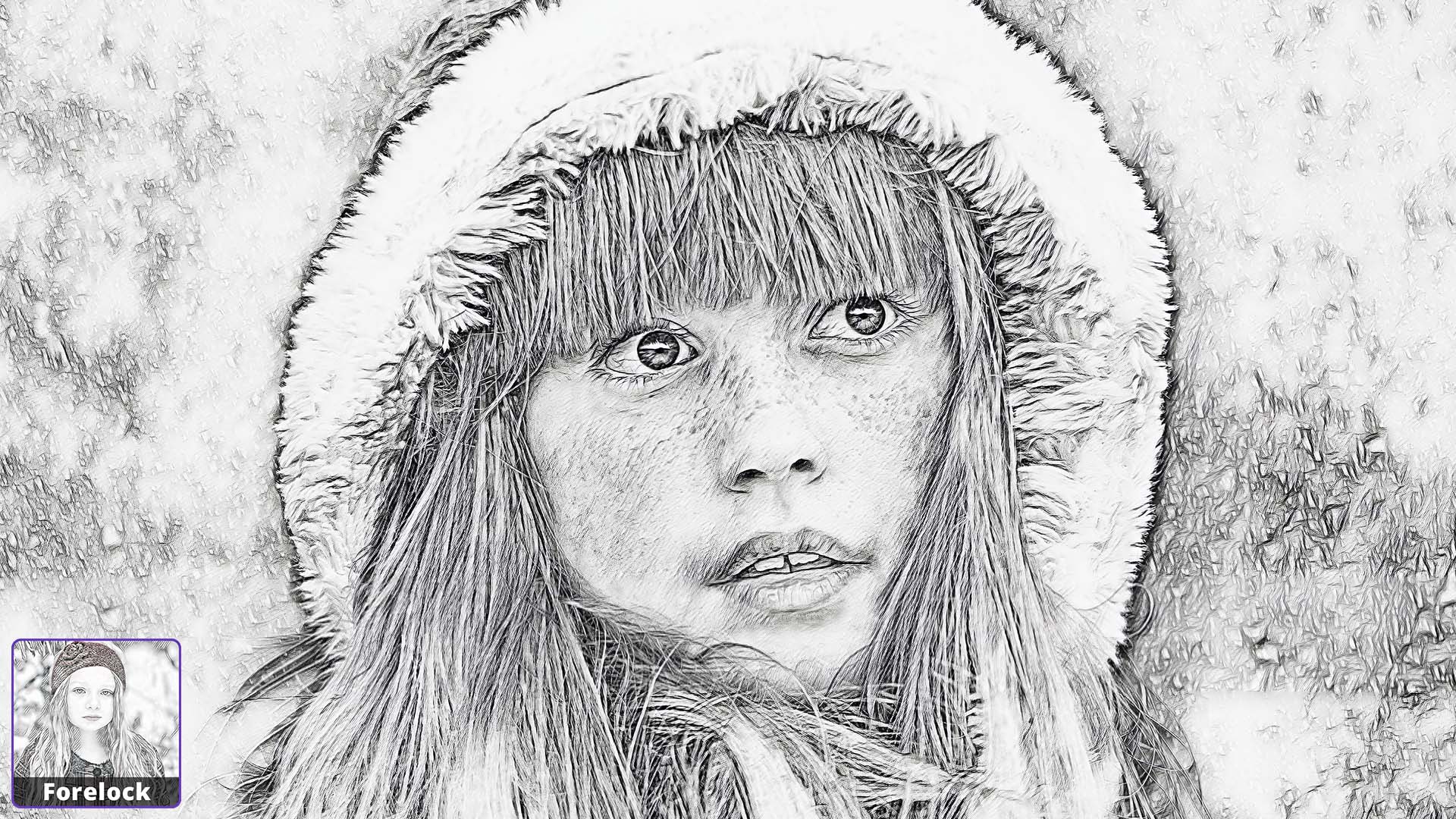
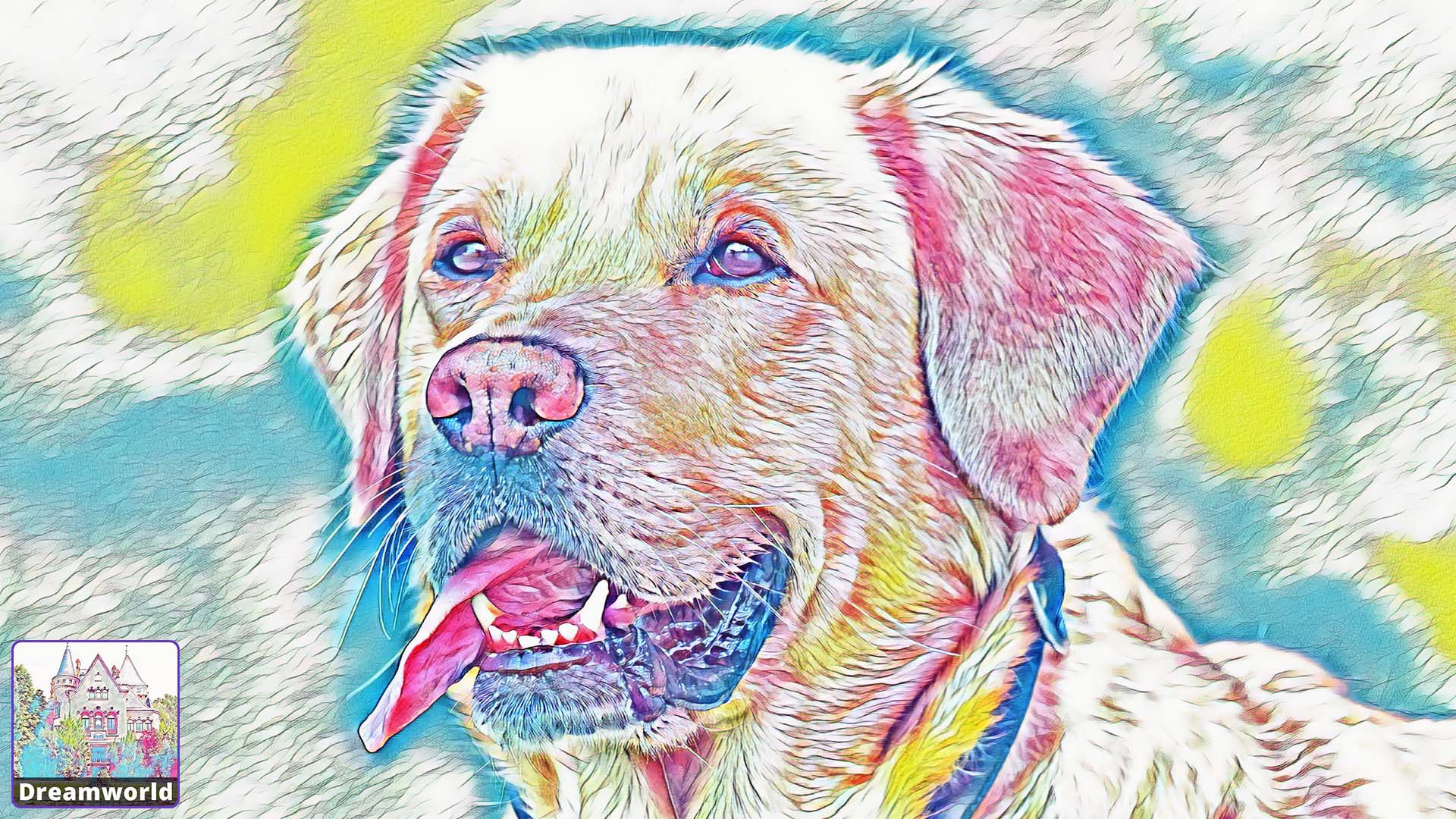
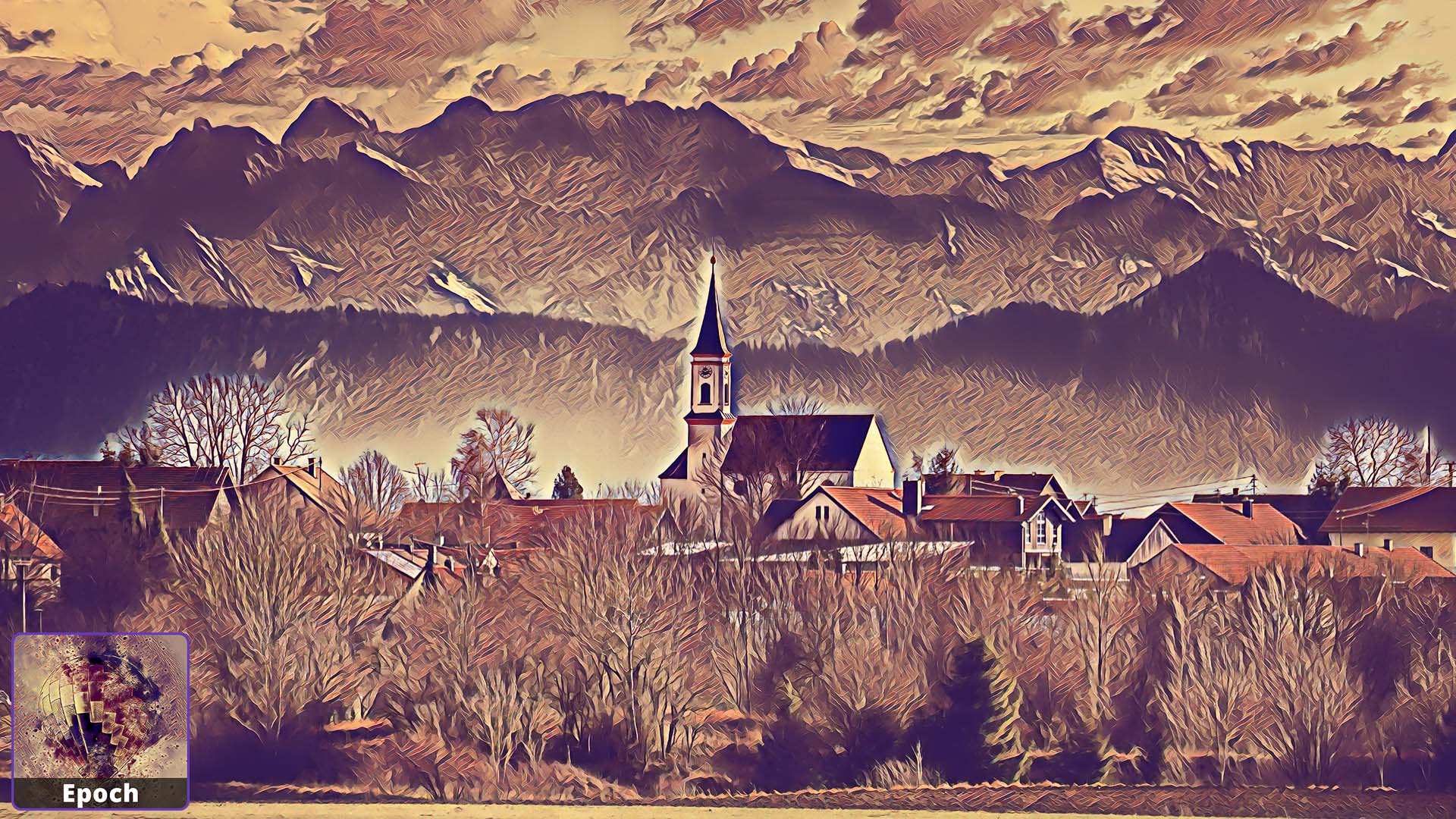
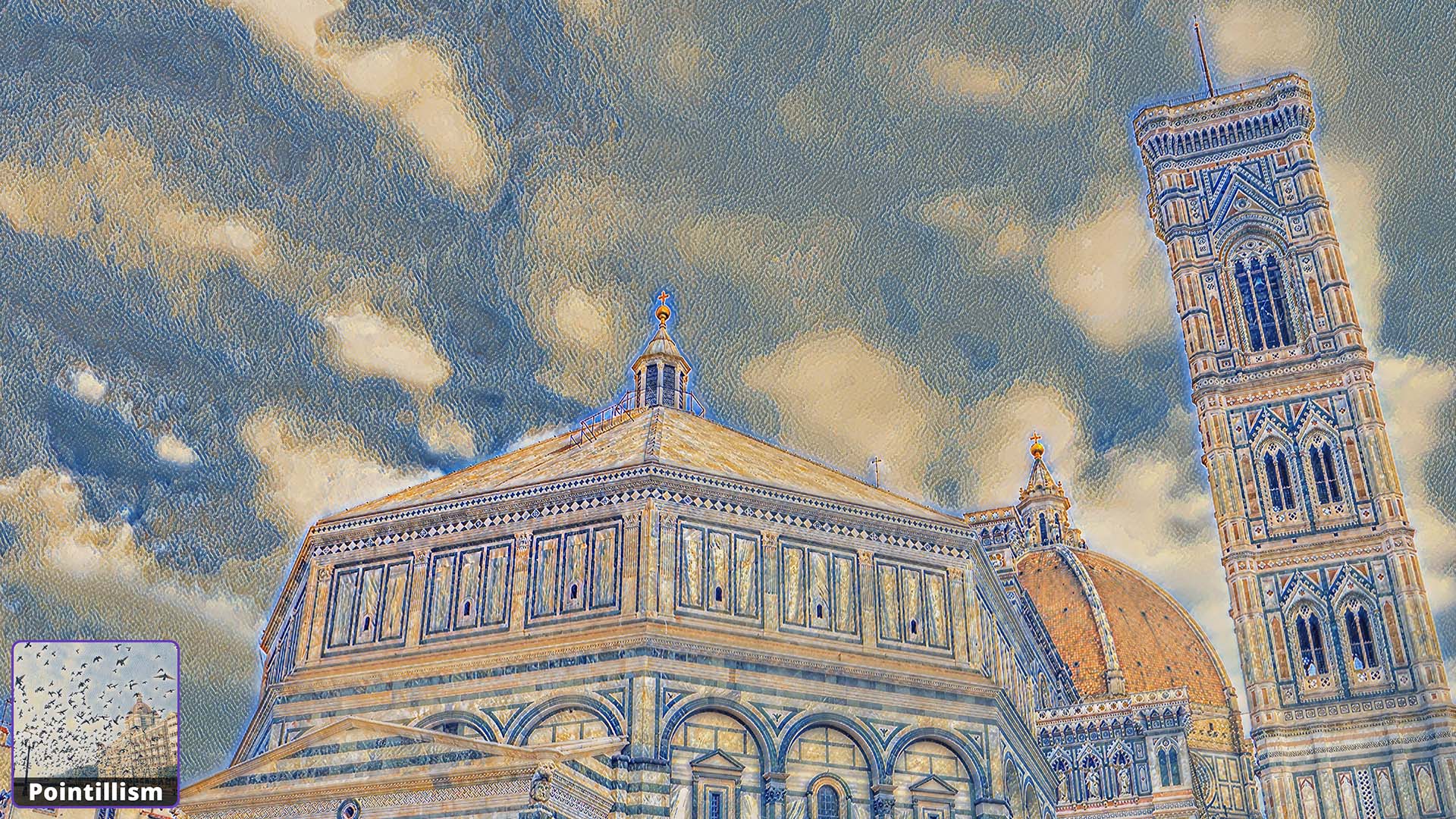
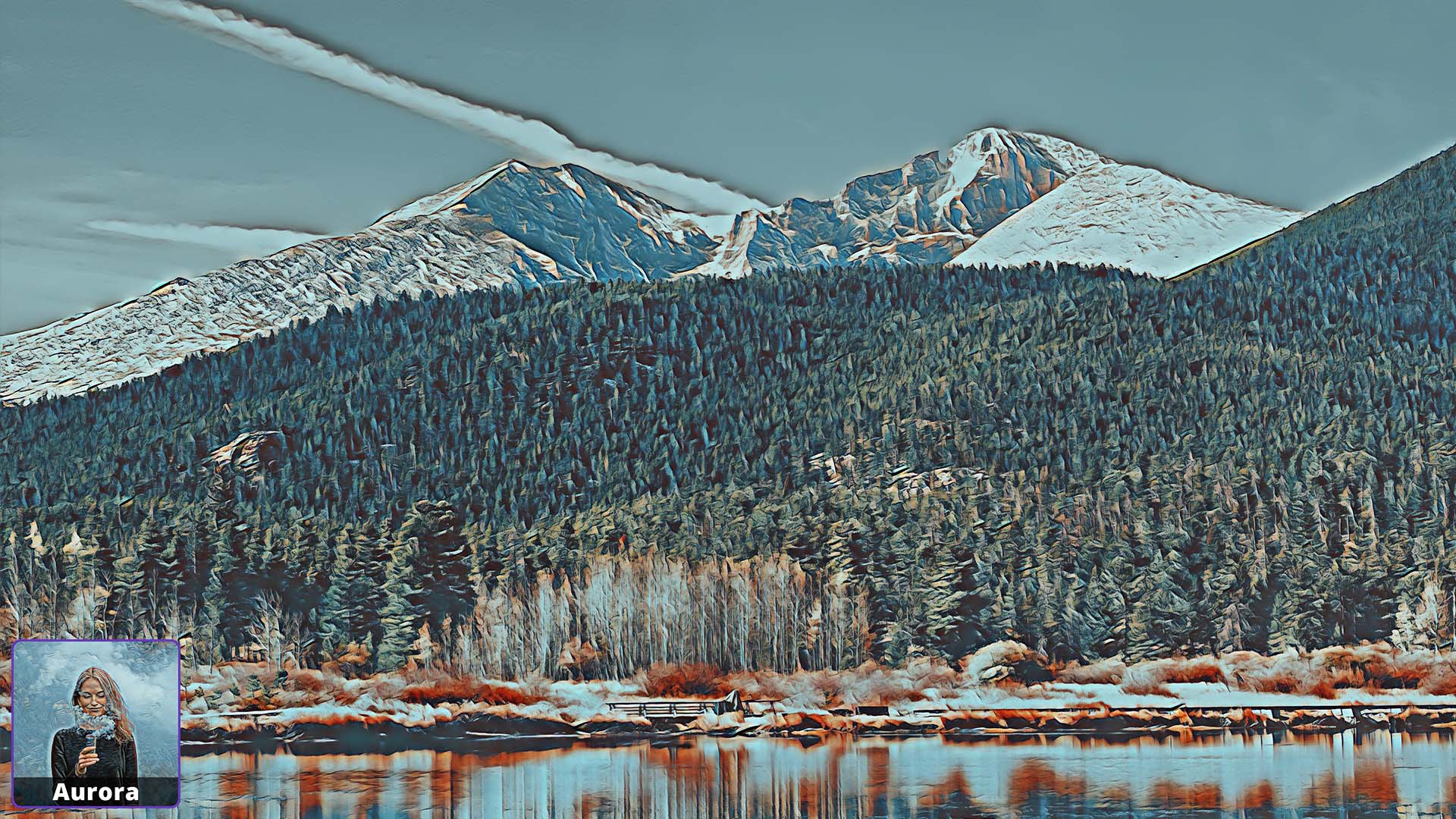
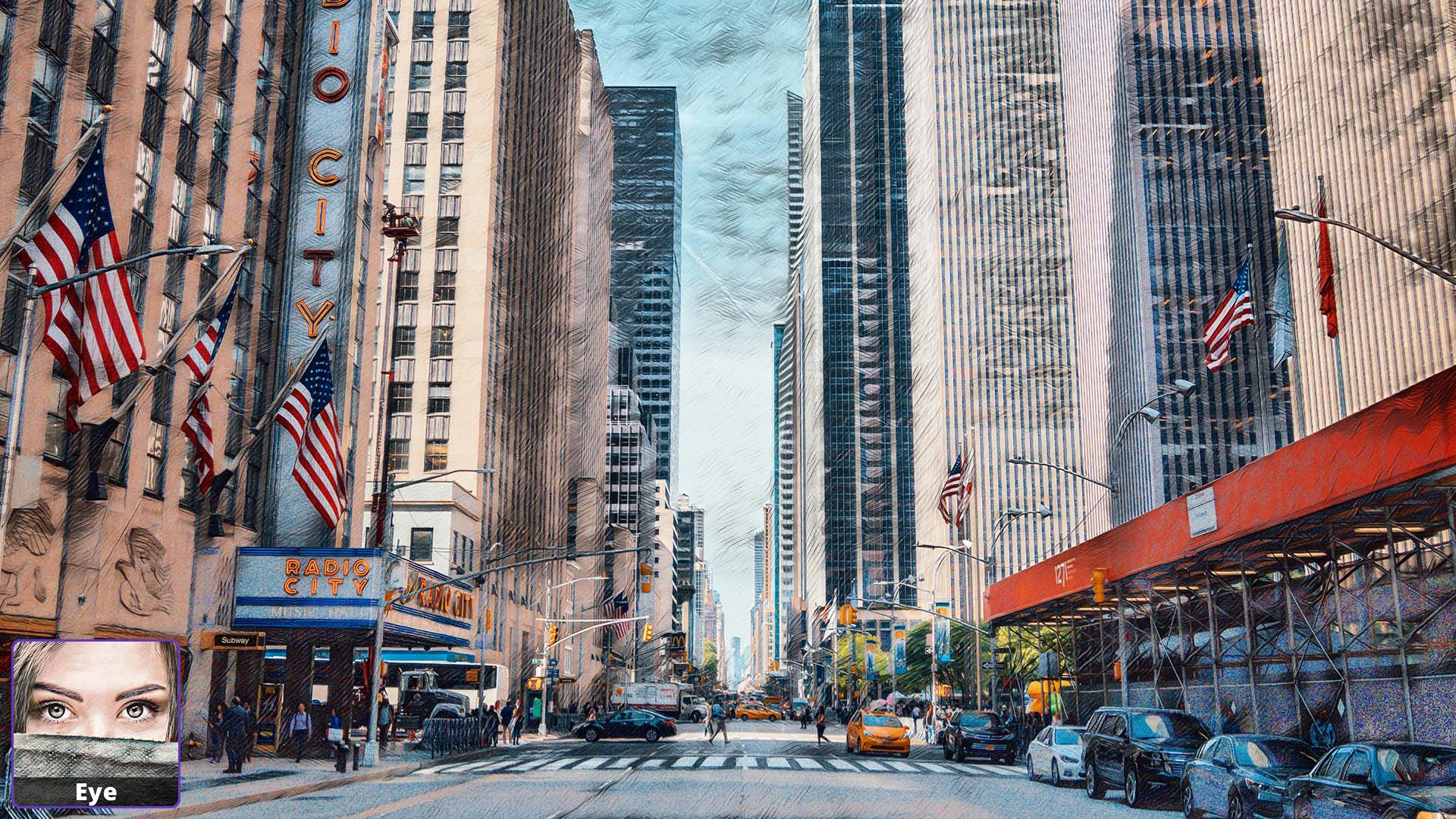
Choose from over 120 pre-installed art styles. Make your photo look like a drawing or abstract painting. All with just one click.

THE EYE-CATCHER FOR YOUR HOME

+ 0
App reviews
+ 0
Users worldwide
+ 0
Art Styles
Sunny Art Style
Zinaida Art Style
Impressionism 2 Art Style
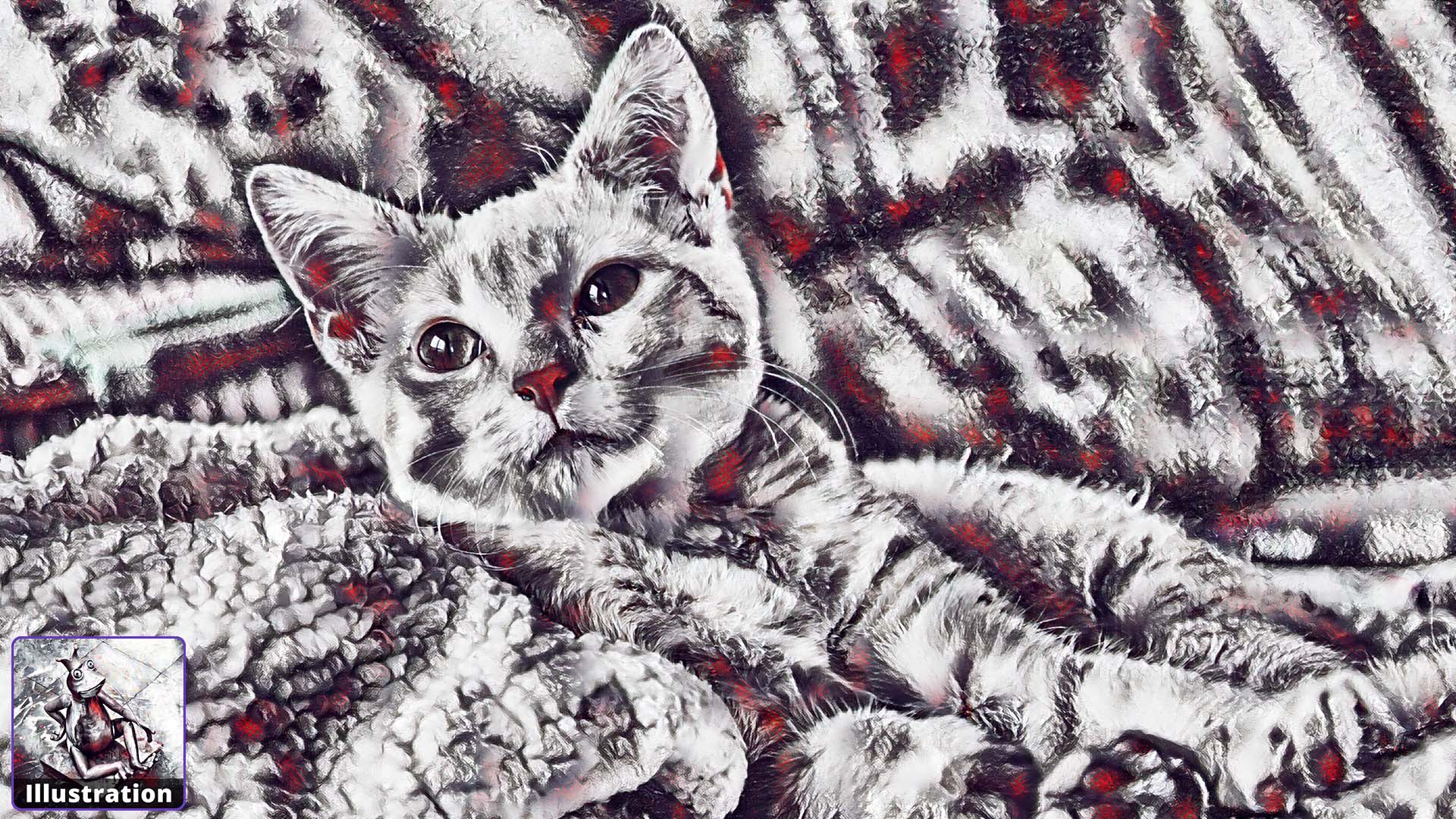
Illustration Art Style
Carnival Art Style
Caribbean Art Style
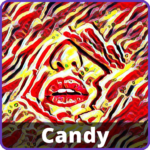
Candy Art Style
Aviator Art Style
Autumn Art Style
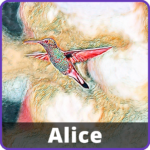
Alice Art Style

Explore our Art Styles!

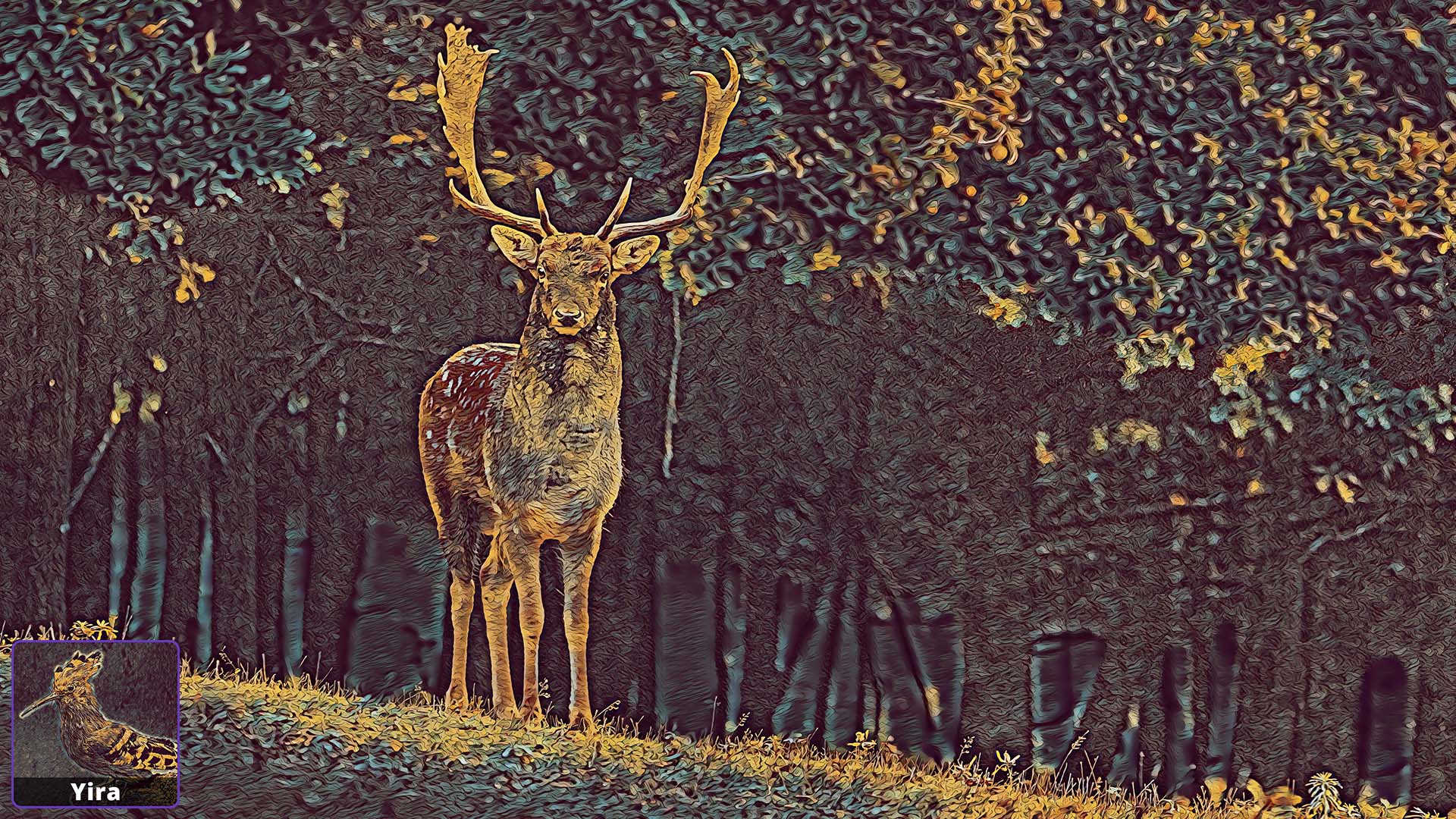
A small excerpt from artwork generated with our Software

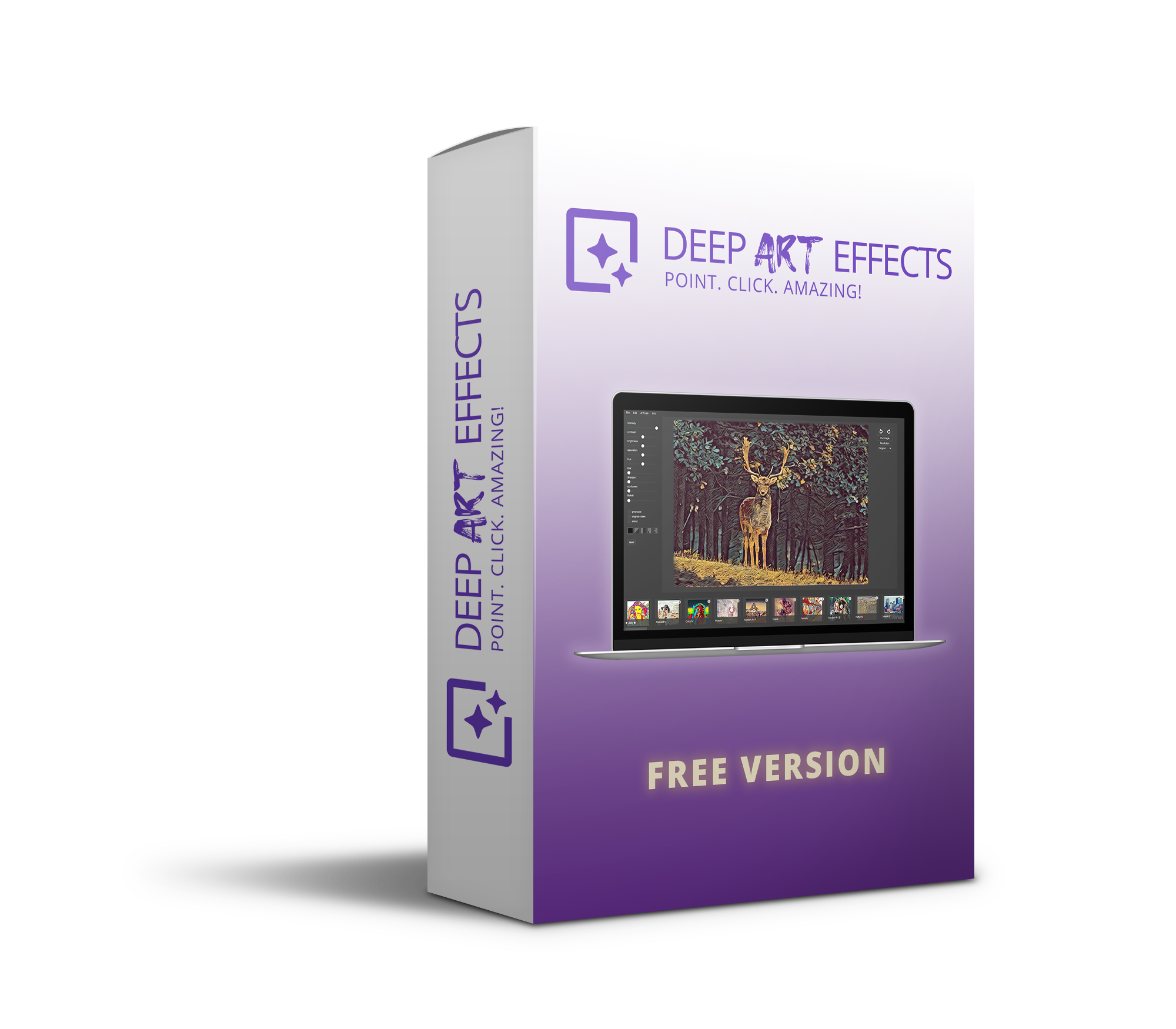
Deep Art Effects Free Version

Convince yourself with our Free Version!

What our customers say

Photokina 2019

Top notch Art-ificial software generation!

I have been extremely impressed with the product, and especially the service and support during the first days of use.
Excellent product, wonderful artwork, thank you DeepArtEffects, and Julia in service dept!

– Philosofree

I love this program.

I allows you to easily create stylized designs from your photos. I’ve been using a lot with my portraits and allows me to create some very interesting art.

– David

Amazing

Customer service offered the fastest and best solution when I needed it. We are very satisfied with the services.Thanks to Deep Art Effects family and Christiaan!

– Ayten

Absolutely great service!

Yes, I had one small problem that was not really bothering me that much since there was still so much functionality in the program but I thought why not, I will contact support and see what they can do. Within 2 days they had an update that fixed the problem and that night I spent many hours enjoying the software. I could not be more pleased with my purchase.

This is the kind of service I am not used to with modern day companies. Thank you guys for excellent products and great service. You have made me very happy 🙂

– Aaron Guy Harvey

Awesome, personable customer service!

They were very nice in how they handled my situation. Deep Art effects was alittle more robust than I needed and I wanted a refund. Their policy is that they don’t give refunds (so please do not try to purchase and ask for a refund!!!) This was a special case. she told me that I could not get a refund (which is Deep arts effects policy) but because I was very nice and timely with the refund request, in this instance, she decided to go ahead. Deep Art Effects exemplifies what customer service should be. Because of their generosity, I will be part of the Deep Art Effects Community contributing. It is the least I can do for that kindness.

– Dathane

References

Partners

More Features

The Power of AI

Automatic Cropping & Bokeh

The artificial intelligence will automatically crop images and allow you to add bokehs.

Previous
Next
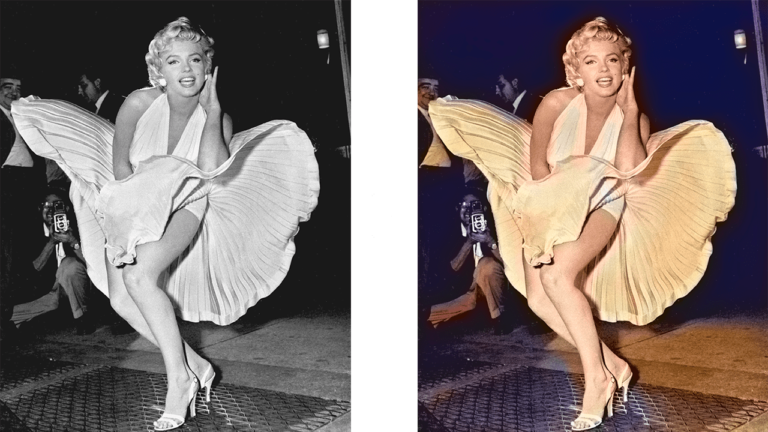
Marilyn Monroe colorized with Deep Art Effects Pro for Desktop

Colors grayscale images automatically

Bring old black and white pictures or videos to life with our AI for automatic coloring.

Selectively render foreground & background

With just one click you have the choice to edit either background, foreground or both.

Previous
Next
GAN Feature

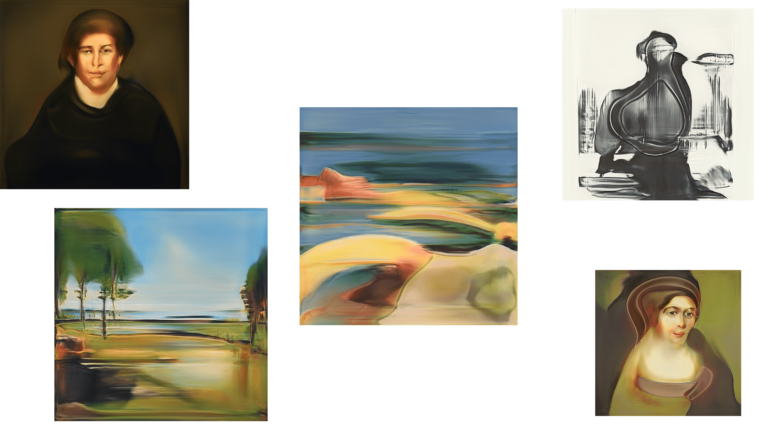
Generate Artwork

The highlight of the new version of Deep Art Effects Pro is “GAN”. This means Generative Adversarial Networks. The software is now able to create works of art from nothing with the help of artificial intelligence. In contrast to the previous AI models no input is needed. The user is now able to generate an infinite number of artworks with just one click. Each artwork created with the software exists only once and cannot be created again. It is 100% unique.

Lifetime Service & Support

If you have technical problems with our software, you can always contact our support. We will answer within shortest time and are happy to help you!

Frequently asked questions

The installation of our software is very easy. We also released video guides for the windows and mac os x operating system.

Deep Art Effects doesn’t just put filters over photos, but creates unique works of art from them using artificial intelligence. The software uses various AI technologies to make independent decisions and analyses to ensure that the art style is shown to its best advantage in your photo. The AI technology detects even subtle differences in objects and makes intelligent decisions when selecting the ideal adjustments. Only through machine learning is it possible to analyze styles from other artworks and apply them to any photo. In addition, this technology allows black and white photos to be automatically coloured, photos to be optimised and even scaled.

You can submit a cancellation at any time. Your subscription model will then be terminated depending on the chosen term.

The artwork created depends on the input you provide to the software. In addition, you can also intelligently scale your images in advance and create print files.

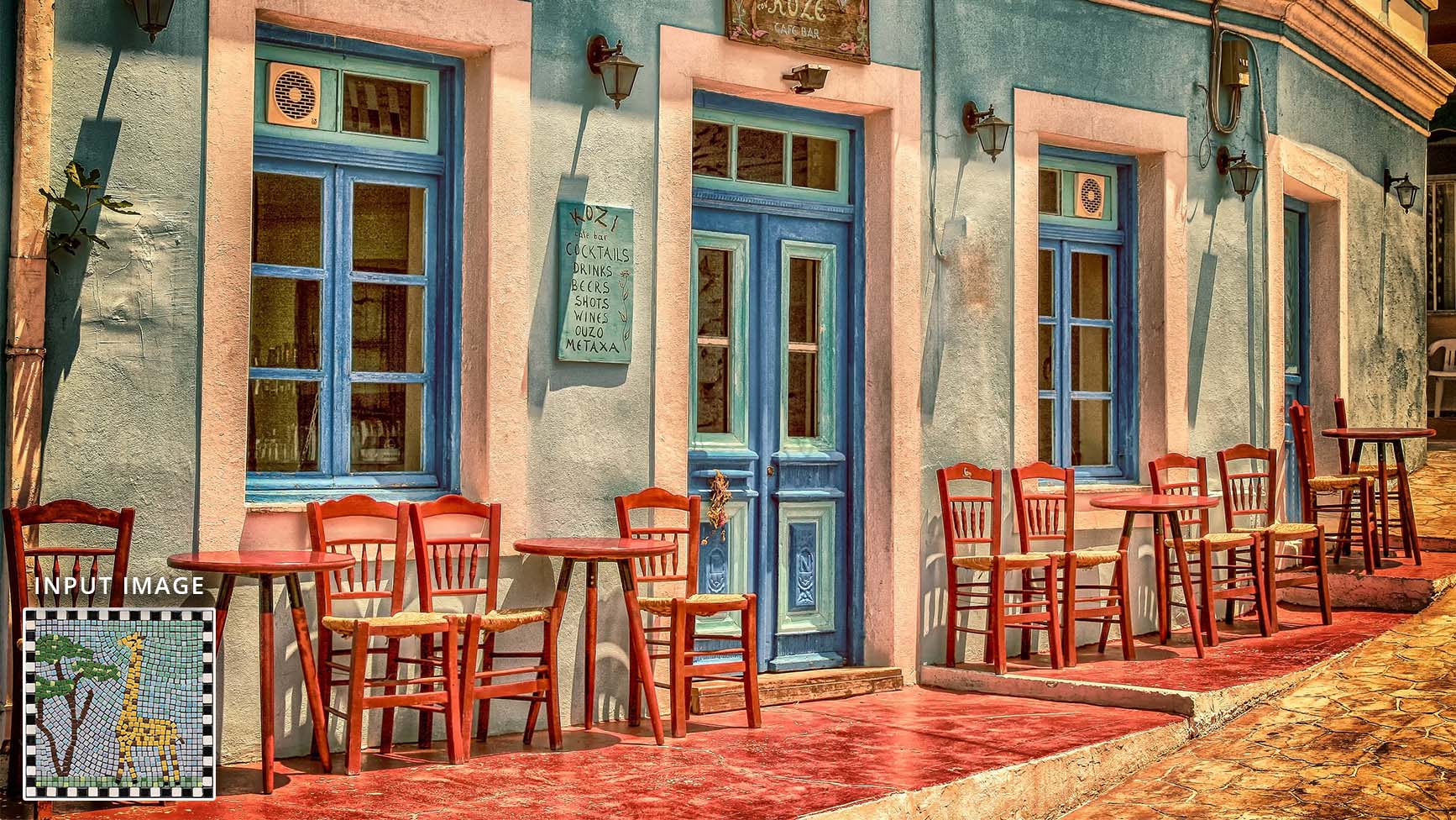
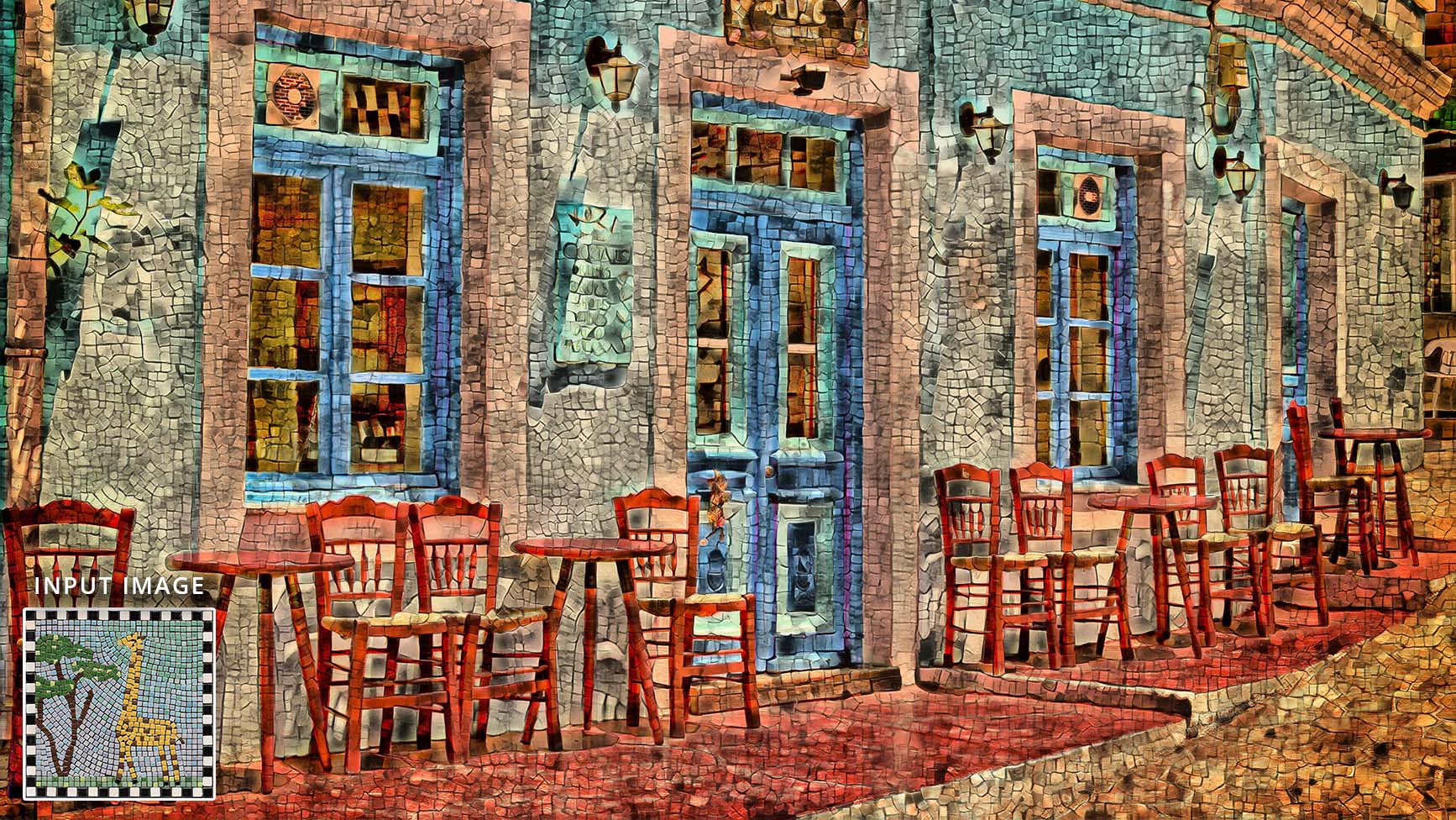
With Deep Art Effects Pro for the Desktop you have all the possibilities of the Mobile Version and much more! You have the possibility to take artwork from your favorite artists as input and generate your own Art Styles from them. You want your photo to look like a painting by Picasso or Van Gogh? The Software learns any style you want and applies it to your images. Even patterns are possible. So for example you can turn any photo into a mosaic. Furthermore the Artificial Intelligence allows you to selectively render only the foreground or only the background.

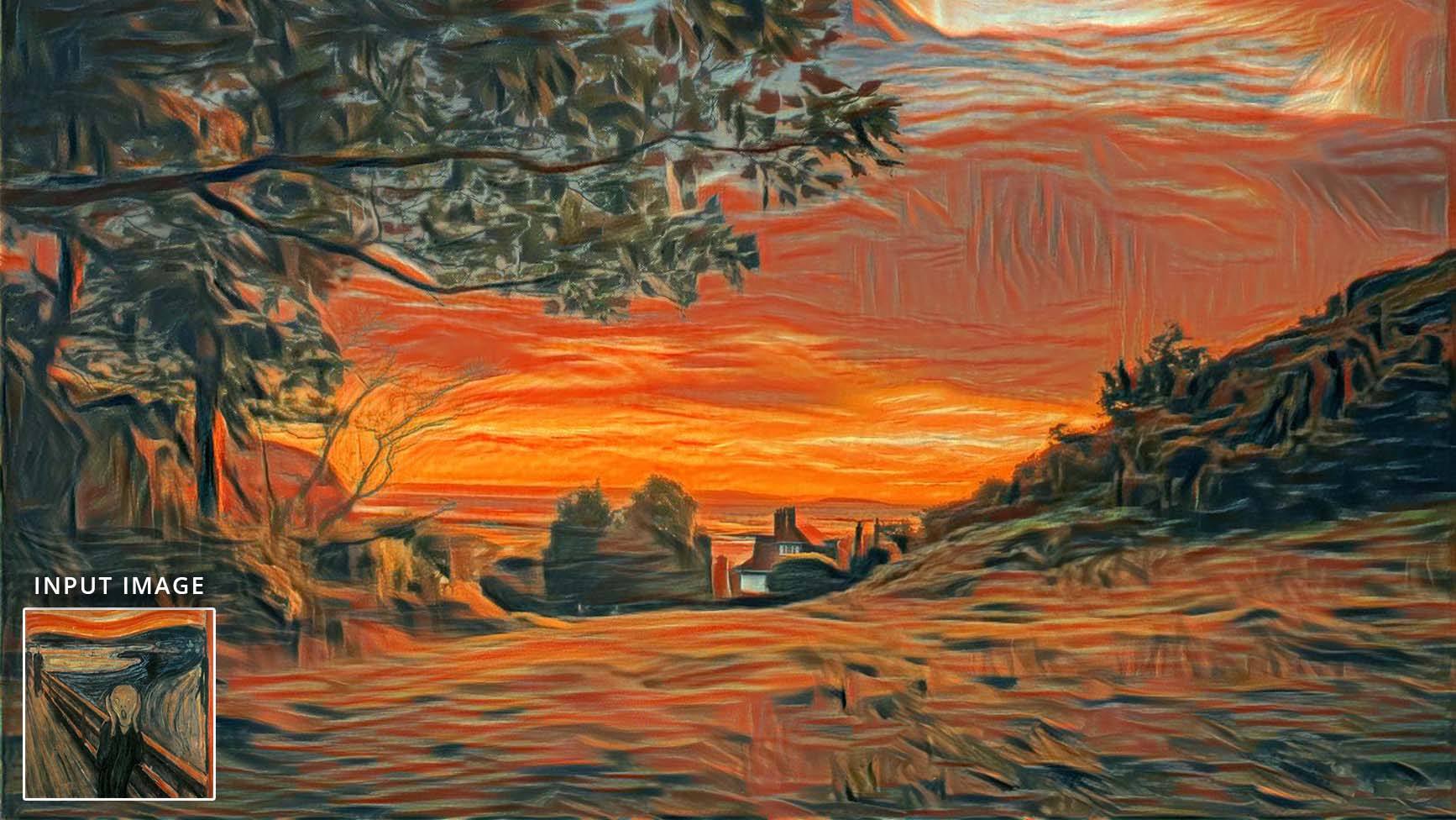
With the Deep Art Effects Abstract AI you have the possibility to import your own images as input style. Afterwards, just one click is enough to turn your image into a unique work of art. So you have the possibility to have your picture drawn in the style of a Picasso or Van Gogh. The artificial intelligence recognizes the drawing style and transfers it to your picture.

Soon it will be possible to create any kind of art at the push of a button. What should be shown on the artwork? In which style should it be drawn and which colors do you like best? Tell it to the software and it will create many variations of your desired picture.

Look forward to what’s in store for you!

Advanced Questions for Power Users

Style transfer and generative image models solve different problems. Deep Art Effects uses a highly specialized transformation method that extracts stylistic characteristics—such as textures, color patterns and structural aesthetics—and applies them to your image without altering its content.

Generative models (diffusion, GANs) are designed to invent or reconstruct scene content. Style transfer, on the other hand, is engineered for precision: it preserves all details, geometry and composition while applying a new artistic appearance.

Both approaches are modern, but they serve fundamentally different creative goals. Style transfer excels when accuracy, consistency and content preservation are required.

Style transfer follows a deterministic pipeline. It analyses the stylistic features of a reference and applies them directly to your image. This process is stable by design and does not introduce random variation.

Generative models incorporate stochastic sampling to create new content, which leads to natural variability. This is useful for open-ended creation but unnecessary when a consistent and predictable result is required.

Style transfer keeps the factual content of the original image intact. It does not reinterpret objects, adjust geometry or change the identity of subjects. Only stylistic aspects—such as brush strokes, tone or texture—are modified.

This makes it suitable for:

  • photographs where recognisability must remain 100%
  • product or brand imagery requiring consistency
  • scientific, architectural or documentary content

You receive an artistic transformation without losing the accuracy of the underlying scene.

Yes. Deep Art Effects is an AI-powered image editor that runs entirely on your local device. The software does not upload your photos to any cloud service and does not send your images to Deep Art AI servers for processing or moderation.

All style transfer operations are computed on your computer, so there is no server-side content flagging and no external review of your material. You stay in full control of your files at every step of the workflow, even when working with personal or privacy-sensitive photos.

If you are looking for an AI image editing solution that lets you apply advanced artistic styles without uploading your pictures or triggering external content filters, Deep Art Effects is designed for exactly that use case.

Style transfer operates on mathematical feature representations rather than text-based instructions. It does not interpret language or attempt to guess what a prompt means. Instead, it directly analyses the visual style you select and applies it to your image.

This eliminates prompt variability and gives you a controlled, predictable workflow without trial-and-error prompt engineering.

Yes. When the goal is to preserve the full structure and content of the original image, style transfer provides advantages that generative models cannot replicate. It applies an artistic transformation without altering identity, proportions or fine detail.

Generative models are better suited for creating new content, while style transfer is ideal for enhancing existing content without changing it.

All processing takes place locally on your device. Style analysis and style application run entirely offline, without transferring any images to remote servers.

Benefits include:

  • full privacy control
  • independence from network quality
  • stable and repeatable performance

No. All style processing in Deep Art Effects happens locally on your device, so your images never leave your computer. Because nothing is uploaded to our servers, there is no storage, logging or analysis of your content on the side of Deep Art AI.

Deep Art AI claims no rights to your generated images. Your results remain fully under your control, and we do not store or analyze your content.

Style transfer performs a conservative transformation: it preserves your original scene and applies stylistic characteristics from a selected style reference. It does not generate new people, objects or environments.

We do not make global statements about copyright law. However, because no new scene content is created, the process differs significantly from generative models that synthesize entirely new imagery.

Style transfer replicates the same stylistic characteristics exactly when you reapply the same configuration. This allows entire image series to receive a unified artistic look without content drift or model variability.

Generative workflows often introduce subtle random differences, which can be useful creatively but less suitable for brand consistency or batch processing.

Yes. Deep Art Effects processes every image entirely on your local device. No photo is uploaded, transmitted or sent to any external server. Because nothing leaves your computer, you remain in full control of your files at all times, even when working with personal, private or confidential material.

This local-only design eliminates the privacy risks associated with cloud-based AI services. You can apply artistic styles freely, experiment with different visual aesthetics and explore creative ideas without exposing your images to third-party systems.

The style transfer engine enhances the artistic appearance of your photos while keeping their original content strictly on your machine. This privacy-by-design approach enables a secure, independent and highly creative workflow—ideal for professionals and individuals who require maximum confidentiality and uncompromised data protection.

Yes. Deep Art Effects allows you to re-color black-and-white photos, enhance details and upscale old images directly on your local device. All processing is performed offline, and no image files are uploaded or transmitted to any external server.
This makes the software ideal for restoring historical photos or working with private family archives. You remain in full control of every image, and none of your material is exposed to cloud systems or third-party moderation services.

The re-coloring engine applies natural color tones based on learned visual patterns, while the upscaling module increases resolution and sharpness without altering the original scene content. All enhancements are computed securely on your own machine.

Absolutely. Deep Art Effects is a versatile creative tool for re-coloring black-and-white photos, refining details and giving older images a modern visual aesthetic. Many users choose the software purely for artistic transformation, restoration tasks or visual enhancement.

Even if privacy is not your primary focus, the benefit remains: all processing happens locally, so performance is fast, consistent and independent of cloud services.

Yes. Deep Art Effects supports video processing as well. You can re-color video sequences, enhance visual details and apply artistic styles to entire clips. The workflow is similar to photo processing, but optimized for frame-by-frame consistency.

All video operations—re-coloring, enhancement and style transfer—run entirely on your local device. No video frames are uploaded to any external server, and no cloud-based processing or moderation is involved.

This allows you to restore historical footage, stylize creative projects or enhance personal videos with full control and without exposing your material to third-party systems.

Translated in 14 Languages

EN

DE

CN

FR

PT

RU

HI

JP

KR

PL

ES

NL

IN

IT

Your language is missing? Then you probably come from the moon, please contact the responsible department.

Choose Deep Art Effects Pro today!
Deep Art Effects Pro for Desktop
4 AI Models

Edit photos and videos

Create your own art styles

Selectively  Render Foreground/Background

Generate Artwork from Nothing

Works completely offline

Lifetime Service & Support

Software requirements

WINDOWS

Windows 7 or later (64-bit), 4GB of free ram, 2GB disk space

MAC

MacOS X 10.11 (El Capitan) or later, 4GB of free ram, 2GB disk space

LINUX

Ubuntu 14.04 or later (64-bit), 4GB of free ram, 2GB disk space