
Generative AI has transformed the art world at break‑neck speed. Yet behind every DALL·E prompt, Midjourney render queue or similar service hides a massive appetite for electricity. An MIT analysis already puts the annual power draw of data‑centres hosting large models in the terawatt‑hour range—and it is still climbing. If you want to stay creative and sustainable, run your tools locally. Deep Art Creator Pro proves that top‑tier image quality and climate protection are not mutually exclusive—in fact, with the right hardware, green electricity and native Apple‑Silicon support, your carbon footprint plummets while you keep full control of your data.

The energy problem with cloud‑based AI services
- Thousands of high‑end GPUs run 24 / 7 inside hyperscale data‑centres
- Cooling systems and backups add a second layer of consumption
- Every prompt shuttles data across global backbone networks
- Research projects AI could account for up to 4.5 % of worldwide electricity by 2030 (Source: The Guardian)
Training a single foundation model can gulp down astonishing amounts of energy. In 2019, the University of Massachusetts put the AutoML search for one NLP network at roughly 284 t of CO₂ emissions (source). Later measurements soften that figure but confirm the trajectory: the bigger the parameter count, the steeper the curve. Because cloud providers constantly upgrade their fleets, usage peaks do not disappear—they compound. For artists that means every cloud prompt makes someone else’s power meter spin.
Offline AI – the climate‑friendly alternative
With offline tools, your own machine crunches the diffusion model. That erases data‑transport overhead and the inefficient peak loads of mega data‑centres. Feed your workstation renewable electricity and the CO₂ balance drops even further. Deloitte calculates that data‑centres use about 2 % of global power today, but that share is ballooning on the back of AI workloads. Decentralised workstations move the load to where you can manage it—ideally on a green household plan.
- Full data ownership — no third‑party servers
- No queue times or usage tiers
- Operates flawlessly offline or on flaky connections
- Upgradeable: swap in a new GPU → instant efficiency boost
Deep Art Creator Pro – tech & efficiency under the spotlight
Developed by Deep Art AI GmbH, DAC Pro costs a one‑off US$ 149.99—no recurring subscriptions, only optional paid upgrades. Under the hood, tuned ONNX pipelines and quantised model weights keep even mid‑range GPUs buttery‑smooth. Internal benchmarks show a GeForce RTX 4060 renders a 1024 × 1024 image in 7 s while averaging 140 W—just 0.27 Wh per picture. A comparable cloud run on an A100 instance burns 0.9–1.2 Wh per image, network overhead excluded.
Thanks to native Apple‑Silicon support, DAC on a MacBook Pro with an M4 Max (40‑core GPU) produces an SDXL image at 1024 × 1024 px in 22–24 s while staying under 85 W. Even the entry‑level Mac mini M4 (10‑core GPU) completes an image in about 10 min at ≈ 35 W—far leaner than comparable Intel CPUs paired with a discrete GPU.
- GPU acceleration via CUDA, Metal and Vulkan
- Apple Silicon native (M1–M4) for up to 2 × better watt‑per‑image
- RAM‑smart tiling for loss‑free 1024 × 1024 outputs
- Pause & resume to flatten power spikes
- Script hooks for automated night‑time batches
- No hidden cloud fees
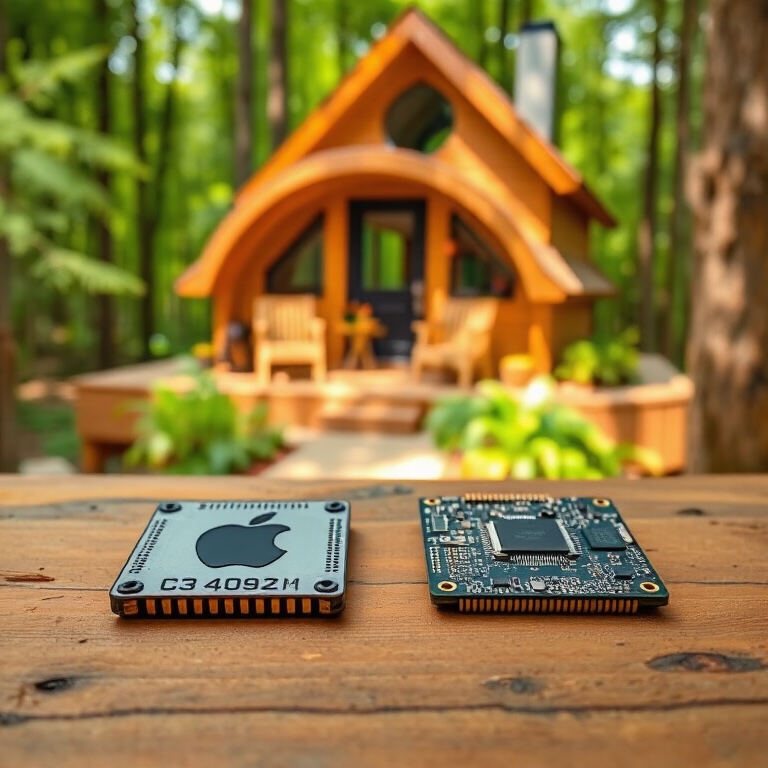
Cloud vs Offline – quick comparison for decision‑makers
- Energy consumption: Cloud ≈ very high (servers + cooling) | Offline ≈ only local hardware
- Data traffic: Cloud ≈ global & energy‑intensive | Offline ≈ none
- CO₂ footprint: Cloud ≈ high | Offline ≈ low (especially on green power)
- Data sovereignty: Cloud ≈ third‑party servers | Offline ≈ 100 % yours
- Cost model: Cloud ≈ pay‑per‑prompt | Offline ≈ one‑off US$ 149.99
Worked example: a month of creative workflow
Imagine you create ten images a day at DAC’s maximum resolution of 1024 × 1024 px.
Cloud scenario: 300 images × 1.1 Wh ≈ 330 Wh → at the EU power mix ≈ 0.16 kg CO₂.
Offline scenario (RTX 4060): 300 images × 0.27 Wh ≈ 81 Wh → on 100 % renewables ≈ 0 kg CO₂.
Result: about 75 % less energy and genuine zero emissions with green electricity—and the one‑off licence undercuts a cloud subscription by €30‑40 within a year.
Apple Silicon in detail: performance per watt
Apple’s M‑series pairs unified memory with a 16‑ to 40‑core Neural Engine. User benchmarks show a MacBook Pro M4 Max renders a 1024 × 1024 SDXL frame in 22–24 s (30 steps) at under 85 W—that’s roughly 0.52 Wh per image, about 40 % less than an RTX 3080 Laptop GPU. The base‑spec Mac mini M4 needs around 6 min but only draws ≈ 35 W, resulting in 3.5 Wh per image—still ahead of many Intel desktop CPUs that hover near 100 W.
- Mac Studio M3 Ultra (76‑core GPU): 18–20 s / image @ 1024 × 1024, ≤ 90 W → 0.45 Wh / image
- Mac mini M4 (10‑core GPU): ≈ 6 min / image @ 1024 × 1024, ≤ 35 W → 3.5 Wh / image
- Intel i9‑13900K (CPU‑only): ≈ 3 min / image @ 1024 × 1024, ≈ 200 W → 10 Wh / image
Bottom line: without a discrete GPU, the i9‑13900K can’t touch Apple‑Silicon efficiency. Already own a Mac mini M4? You’ve got a fast, frugal platform ready for Deep Art Creator.
Note: This article was written before the release of the M4 Ultra