
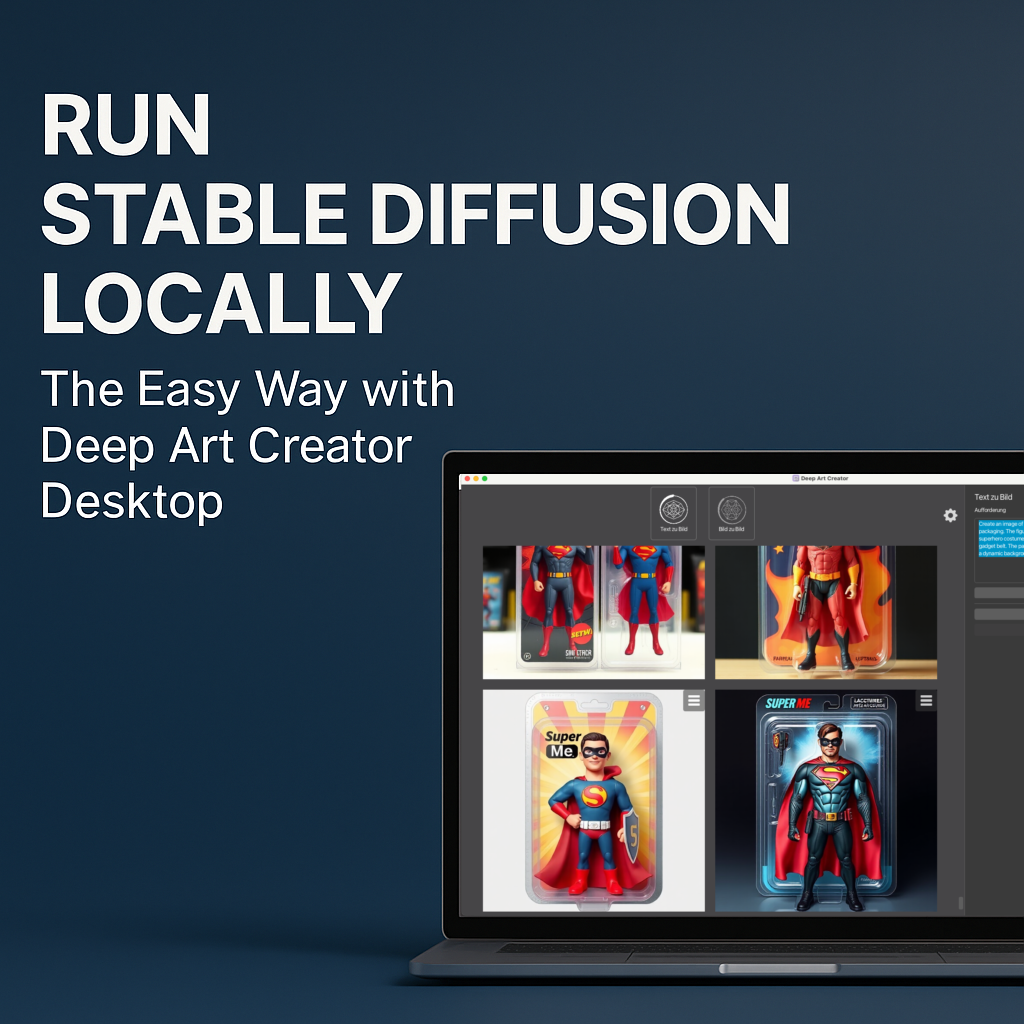
Stable Diffusion is one of the most powerful AI models for image generation. However, installing Stable Diffusion locally can be frustrating. Most users face Python errors, missing dependencies, CUDA issues, broken GitHub repos, or confusing instructions.
The good news: you don’t need to deal with any of that anymore.
Deep Art Creator Desktop makes running Stable Diffusion locally as simple as installing any normal Windows application. You open the software, type a prompt, click Generate — and the image appears. No cloud, no terminal, no complicated setup.
In this article, you’ll learn why Deep Art Creator Desktop is the easiest and safest way to run Stable Diffusion offline on your own PC.
Why Traditional Stable Diffusion Installs Are Hard
Most Stable Diffusion tutorials look simple at first. But once you start, you run into problems quickly. Common issues include:
- incompatible Python versions
- missing or outdated CUDA drivers
- complex GitHub repositories
- model folders that don’t load
- VRAM limitations
- cryptic terminal commands
- unstable community forks
Because the ecosystem changes constantly, many guides become outdated within weeks. As a result, beginners often give up before generating a single image.
The Deep Art Creator Desktop Solution
Deep Art Creator Desktop solves all these problems by offering a complete, ready-to-use Stable Diffusion environment. Everything is pre-configured and optimized.
You never touch:
- GitHub
- Python
- Terminal commands
- configuration files
- dependency managers
Instead, you install the software, launch it, and start creating. It feels like using a professional design tool — not a developer sandbox.
Install → Open → Prompt → Generate.
That’s the whole workflow.
How Deep Art Creator Desktop Simplifies Stable Diffusion locally
1. Everything Runs Offline
Your prompts, images, and models stay on your machine.
This gives you:
- complete privacy
- zero cloud uploads
- no hidden data storage
- no server delays
For artists, agencies, and professionals who care about GDPR and data protection, offline processing is a major advantage.
2. A Beginner-Friendly Interface for Stable Diffusion
Deep Art Creator Desktop was designed for artists, not programmers.
The interface includes:
- a simple prompt field
- sliders for strength and resolution
- image-to-image controls
- style transfer options
- samplers
- an integrated upscaler
Everything is clear and intuitive. You don’t need any technical background.
3. Built-In Stable Diffusion Models
The software includes optimized Stable Diffusion models out of the box:
- SDXL
- photorealistic models
- illustration models
- artistic styles
If you want to import custom models, you can — but it’s optional.
4. Zero Setup Errors
Deep Art Creator Desktop avoids typical installation problems:
- no CUDA errors
- no missing libraries
- no Python conflicts
- no broken repositories
- no manual folder structures
The software handles everything in the background. It ensures Stable Diffusion always works smoothly.
5. Local Style Transfer and Image-to-Image Editing
You can transform photos, refine sketches, adjust portraits, or convert images into new styles — all offline. The workflow is fast and secure.
Who Benefits Most from Local Stable Diffusion?
Artists
They get full creative control and unlimited local edits.
Photographers
They can enhance or stylize photos without uploading client data.
Agencies
They remain fully GDPR-compliant and avoid cloud risks.
Content Creators
They can generate high-quality visuals without server queues.
How to Start with Deep Art Creator Desktop
It only takes a minute:
- Download Deep Art Creator Desktop
- Install the software
- Enter a prompt
- Click Generate
- Save or refine the result
You create your first AI artwork instantly — no coding required.
Deep Art Creator vs. Manual Stable Diffusion Installs
| Feature | Manual Install | Deep Art Creator Desktop |
|---|---|---|
| Installation | complex | one-click |
| Terminal | required | not required |
| Privacy | depends on workflow | 100% offline |
| Stability | can break | always stable |
| Usability | technical | beginner-friendly |
| Speed | inconsistent | optimized |
Conclusion — Local Stable Diffusion Has Never Been This Easy
If you want to run Stable Diffusion locally, securely, and without technical stress, Deep Art Creator Desktop is the best choice. It removes the complexity and delivers a fast, offline, privacy-focused workflow that works for beginners and professionals alike.