
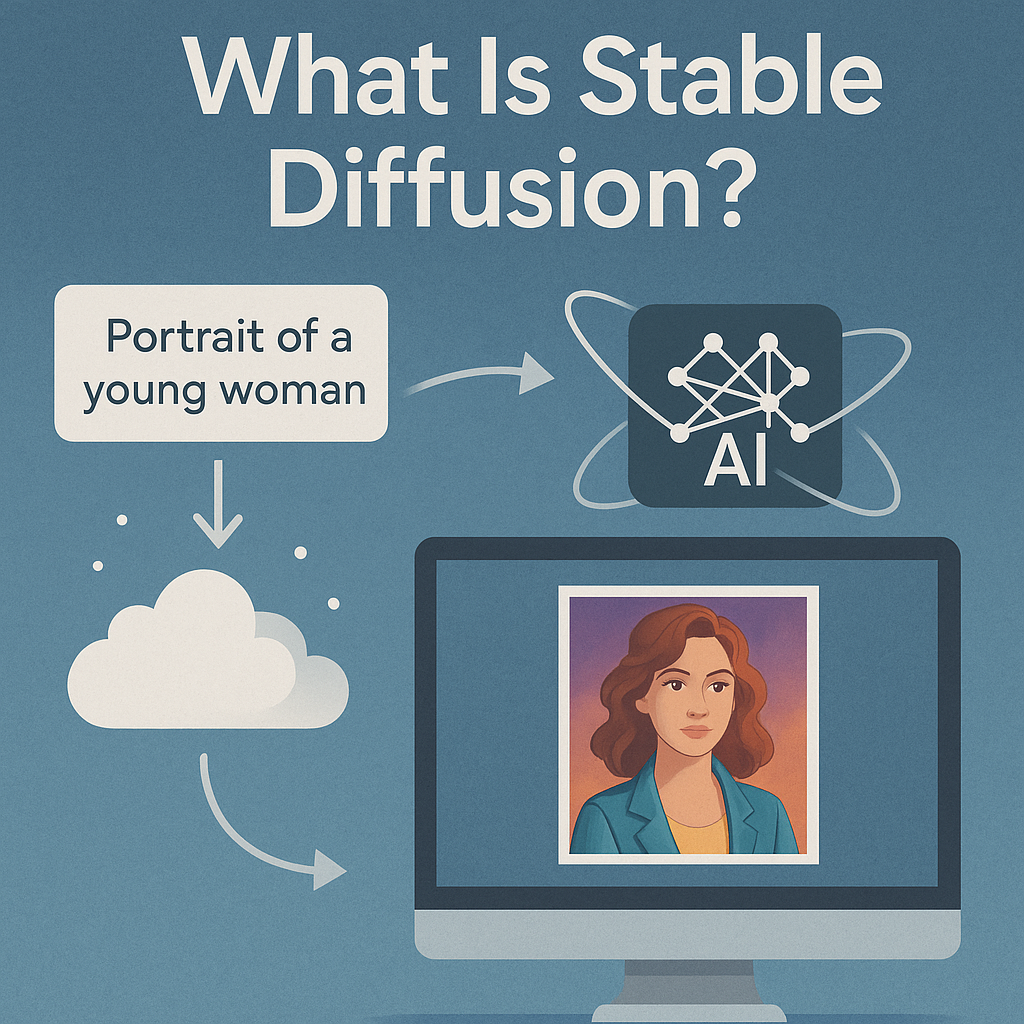
Stable Diffusion has become one of the most important technologies in the world of AI art. If you’ve ever generated an image from a text prompt — a fantasy dragon, a 90s portrait, a photorealistic landscape — there’s a good chance Stable Diffusion was the engine behind it.
But what exactly is Stable Diffusion? How does it Stable Diffusion work? And why has it become the backbone of so many creative tools?
This article gives you a simple, clear introduction — perfect for beginners, designers, and anyone curious about modern AI image generation.
🧩 So… What Is Stable Diffusion?
In short, Stable Diffusion is an open-source AI model that turns text descriptions into images.
You type a prompt like:
“A cyberpunk city in neon blue, cinematic lighting, 8K detail.”
…and the model generates a matching image from scratch.
It was released in 2022 by Stability AI and became a global phenomenon because:
- it is free and open-source
- it can run locally on your PC
- it allows image-to-image, style transfer, inpainting, outpainting, and more
- developers can build any tool on top of it
Unlike cloud-only models like Midjourney, Stable Diffusion can run fully offline — giving creators maximum privacy and control.
🎨 How Stable Diffusion Works (Simple Explanation)
Although the technology is complex, the core idea is surprisingly easy to understand.
Stable Diffusion uses a two-step process:
1️⃣ It starts with pure noise
Like static on an old TV — 100% randomness.
2️⃣ It “denoises” the randomness
Step by step, the AI removes noise based on your prompt.
With each step, the image becomes clearer.
This controlled denoising process is what “diffusion” refers to.
The result: a coherent, detailed image that matches your description.
🌐 Why Stable Diffusion Became a Game-Changer
Here’s why Stable Diffusion skyrocketed to global adoption:
✔️ Open-Source
Anyone can use it, modify it, train it, or embed it in a product.
This democratized AI art.
✔️ Runs Locally
Unlike Midjourney or DALL·E, Stable Diffusion doesn’t require cloud servers.
You can run it:
- offline
- privately
- without uploading your files
This is a huge advantage for designers, agencies, and companies with sensitive data.
✔️ Endless Customization
People can train custom models for:
- anime
- comics
- photorealism
- 90s portraits
- fantasy artwork
- logos
- architecture
- product shots
Stable Diffusion is the most customizable image generator on the planet.
✔️ Massive Community + Ecosystem
Because the model is open, thousands of developers contribute:
new models, extensions, UIs, upscalers, control systems like ControlNet, etc.
This makes Stable Diffusion evolve faster than any closed platform.
💡 What You Can Do With Stable Diffusion
Here are the most common use cases:
🔥 Text-to-Image
Generate artwork from descriptions.
🖼 Image-to-Image
Transform photos into new styles.
🎭 Style Transfer
Apply an artistic style to a portrait or scene.
📸 Photo Enhancement
Upscaling, sharpening, relighting.
🧩 Inpainting
Fix or replace parts of an image.
🌄 Outpainting
Expand an image beyond its borders.
🎞 Animation
Some tools can even turn SD outputs into AI video sequences.
Stable Diffusion is not just an art toy — it’s a full creative ecosystem.
⚠️ The Downsides: Why Stable Diffusion Isn’t Always Easy for Everyone
Despite its power, Stable Diffusion also has challenges when used traditionally:
❌ Complicated Installation
Many users struggle with:
- GitHub repositories
- Python environments
- CUDA requirements
- Model downloads
- UI setup
❌ Hardware requirements
Running SD smoothly usually requires a decent GPU.
❌ Not user-friendly for beginners
Most interfaces (e.g., AUTOMATIC1111) were originally built for developers, not artists.
❌ Risk of misconfiguration
Wrong model paths, VRAM errors, broken dependencies…
It can be frustrating.
This is why many creators give up before even generating their first image.
🚀 Stable Diffusion the Easy Way: Deep Art Creator Desktop
Deep Art Creator Desktop uses Stable Diffusion under the hood — but without any technical setup.
✔️ No GitHub.
✔️ No Python installs.
✔️ No command line.
✔️ No manual model management.
Instead, everything is packaged into a clean, simple, offline desktop app.
With Deep Art Creator Desktop you get:
- a plug-and-play Stable Diffusion experience
- full offline processing
- zero data upload
- simple UI (prompt → generate → save)
- built-in image-to-image and style transfer
- advanced settings for power users
- optional upscaling and refinements
It’s Stable Diffusion for everyone, not just tech-savvy users.
Why this matters:
✔️ Privacy
Your images never leave your computer.
Critical for GDPR compliance and professional workflows.
✔️ Speed
Local GPU processing means fast iteration.
✔️ No learning curve
Creative tools should empower, not confuse.
✔️ No setup headaches
You can run SD in minutes, not days.
If someone wants the power of Stable Diffusion but not the complexity,
Deep Art Creator is the ideal solution.
🏁 Conclusion: Stable Diffusion Is the Future — And Now It’s Accessible
Stable Diffusion reshaped the world of AI art.
Its open nature, flexibility and offline capabilities make it unique.
Yet, traditional installations are difficult for most users.
That’s where Deep Art Creator Desktop changes everything — by bringing Stable Diffusion to anyone with a PC, without technical barriers.
👉 Try Stable Diffusion the easy way.
👉 Try it offline.
👉 Try it securely.
Download Deep Art Creator Desktop and experience the full power of Stable Diffusion —
with zero setup, zero cloud, and zero limitations.