
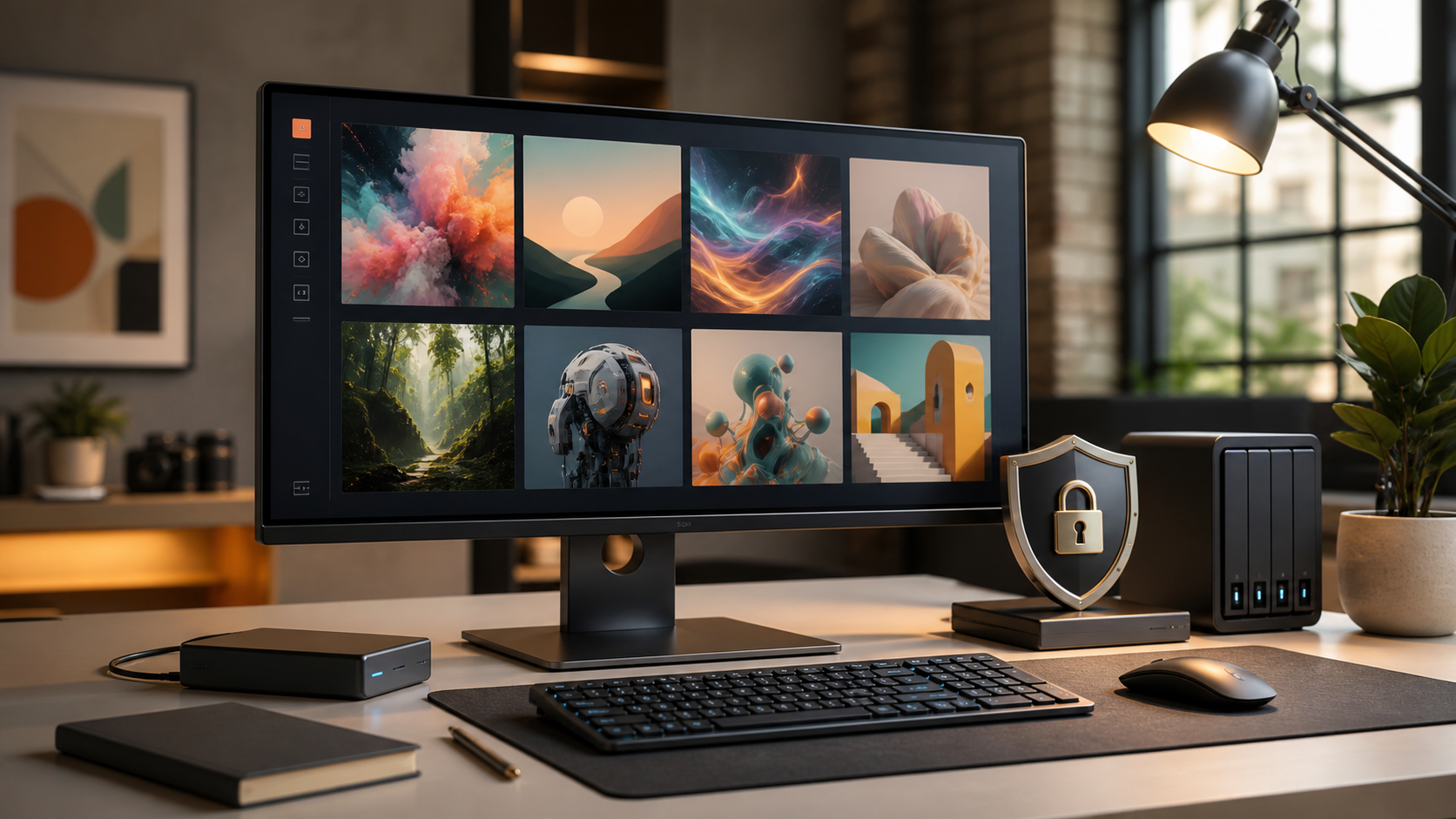
This guide compares the eight offline AI image generators that matter in 2026 — including our own Deep Art Creator Pro. We’ll be upfront about where each tool wins and where it loses, including ours. If you enjoy tinkering with Python environments and node graphs, several free tools on this list will serve you better than anything commercial. If you don’t, that’s exactly the gap the paid options exist to fill.
What “offline” actually means
A truly offline generator meets three criteria: the model weights are stored on your machine, generation happens on your own GPU or Apple Silicon chip, and the application makes no network calls during creation. Once models are downloaded, you can disconnect from the internet entirely — on a plane, in a secured facility, or in a client engagement where uploading assets to a cloud service would breach an NDA. Everything on this list meets that bar. Tools that merely cache results or require account validation at launch do not, and were excluded.
The comparison at a glance
| Tool | Setup effort | Platforms | Interface | Best for |
|---|---|---|---|---|
| ComfyUI | High | Win / Linux / Mac | Node graph | Power users, complex pipelines |
| SD WebUI Forge | Medium–High | Win / Linux / Mac | Web UI | Enthusiasts, largest community |
| Fooocus | Medium | Win / Linux / Mac | Simplified web UI | Beginners willing to install manually |
| InvokeAI | Medium | Win / Linux / Mac | Canvas editor | Inpainting-heavy creative work |
| DiffusionBee | Medium | macOS | Native app | Casual Mac users |
| Draw Things | Medium | macOS / iOS | Native app | Mac & iPad users, on-device mobile |
| Krita + AI Diffusion | Medium | Win / Linux / Mac | Painting app plugin | Digital painters |
| Deep Art Creator Pro | Very low | Win / Linux / Mac | Native desktop apps | Professionals who want zero setup + support |
(Preis Creator Pro und exakte unterstützte Modelle vor Publikation einsetzen — beides steht aktuell nicht auf der Produktseite.)
1. ComfyUI — maximum control, maximum complexity
ComfyUI represents the ceiling of what local generation can do. Its node-based interface lets you build generation pipelines visually: chain models, samplers, upscalers, ControlNets, and video-diffusion steps into reusable workflows. New experimental features typically land in ComfyUI before anywhere else.
The effort is cognitive. A first-time user faces a blank graph canvas, a Python installation, model files to organize manually, and a learning curve measured in days, not minutes. Choose ComfyUI if you’re a technical user building repeatable production pipelines. Skip it if you just want to type a prompt and get an image.
2. Stable Diffusion WebUI Forge — the community standard
Forge is the modern successor to AUTOMATIC1111, running meaningfully faster and lighter on VRAM while supporting SD 1.5, SDXL, Flux and newer architectures. Its extension ecosystem and community knowledge base are the largest in local AI — almost any problem you hit has already been solved in a forum thread.
You still need to be comfortable with a manual install (Python, Git, model management), and the interface exposes dozens of parameters that assume you know what a CFG scale is. Choose Forge if you want the most capable free all-rounder and don’t mind the setup. Skip it if terminal commands are a dealbreaker.
3. Fooocus — free simplicity, with limits
Fooocus deliberately hides the complexity: sensible defaults, automatic prompt expansion, and a Midjourney-like experience running locally. For SDXL-based generation with minimal decisions, it’s the best free starting point.
Development pace has slowed compared to Forge and ComfyUI, and advanced control (custom workflows, cutting-edge models) is limited by design. Choose Fooocus if you want free and simple and can handle a one-time manual install. Skip it if you need the newest model architectures.
4. InvokeAI — the canvas specialist
InvokeAI’s unified canvas is the best inpainting and outpainting environment in local AI: paint a mask, regenerate a region, extend a scene — all in one continuous workspace. It supports Flux and maintains professional polish rare in open source.
It’s heavier to run than Forge and its community is smaller. Choose InvokeAI if your work is editing- and composition-heavy rather than pure prompt-to-image.
5. DiffusionBee — the Mac one-click option
DiffusionBee wraps Stable Diffusion in a native macOS app: download, open, generate. No Python, no configuration. It’s free and genuinely beginner-friendly.
The trade-off is depth — model support and advanced controls lag well behind the web-UI tools, and Windows users are out of luck. Choose DiffusionBee if you’re on a Mac and want the fastest possible start at zero effort.
6. Draw Things — on-device, even on iPhone
Draw Things runs Stable Diffusion and SDXL natively on Apple hardware via Core ML — including iPhones and iPads. For fully private, on-device mobile generation, it’s essentially unmatched.
The interface is dense, and serious generation still wants an M-series Mac rather than a phone. Choose Draw Things if you live in the Apple ecosystem and want one tool across Mac and iPad.
7. Krita + AI Diffusion plugin — for painters
Krita is a professional open-source painting application; paired with its AI diffusion plugin (using ComfyUI as a backend), it turns generation into a brush in a painter’s toolkit — generate, paint over, mask, regenerate, all in layers.
Setup involves configuring the plugin plus a local backend, and you inherit ComfyUI’s system requirements. Choose this if you’re a digital artist who wants AI inside a real painting workflow rather than a standalone generator.
8. Deep Art Creator Pro — where we fit, honestly
Deep Art Creator Pro is our own entry, so read this section with that in mind. It’s a commercial native desktop app for Windows and macOS that bundles text-to-image generation, image-to-image transformation, enhancement and 4x upscaling behind a single installer — no Python, no Git, no model-file management, with support for both NVIDIA GPUs and Apple Silicon.
Where we lose against this list: every open-source tool above is free, and ComfyUI or Forge will always expose more knobs, more models, and more bleeding-edge features than we do. If you enjoy the tinkering, they are the better choice and we’d rather tell you that here than have you find out after purchase.
Where we win: you’re generating within minutes of download, image enhancement and upscaling live in the same app instead of a separate tool, there’s a support team you can actually email, and the software comes from a German company operating under GDPR — relevant if your compliance department asks where the vendor is domiciled. For freelancers and businesses billing by the hour, the setup time saved typically exceeds the license effort.
Hardware reality check
Every tool on this list needs real hardware. As a rule of thumb for 2026: an NVIDIA GPU with 8 GB VRAM handles SDXL comfortably, Flux-class models want 12 GB or more, and Apple Silicon (M1 through M4) works across most tools with performance scaling by chip tier. CPU-only generation works almost nowhere at acceptable speed. If your machine is older, a packaged cloud-free tool won’t fix physics — check the hardware guide before choosing software.
The bottom line
There is no single best offline AI image generator — there’s a best one for your tolerance for setup. Technical users should start with Forge and graduate to ComfyUI when workflows get complex. Mac casuals should grab DiffusionBee or Draw Things. Digital painters belong in Krita. And if your time is worth more than a license fee and you want generation, enhancement and upscaling in one supported app, that’s the case Deep Art Creator Pro was built for.
Whichever you choose: your images stay on your machine. That’s the point.
FAQ (für FAQPage-Schema)
Can AI image generators really work without internet?
Yes. Tools that run open-weight models like Stable Diffusion or Flux locally perform all generation on your own GPU. After the initial model download, no internet connection is required.
Are offline AI image generators free?
Most are open source and free (ComfyUI, Forge, Fooocus, InvokeAI, Krita). Commercial options charge for convenience: pre-configured installation, integrated tools, and support.
What hardware do I need for local AI image generation in 2026?
An NVIDIA GPU with at least 8 GB VRAM for SDXL-class models, 12 GB+ for Flux-class models, or an Apple Silicon Mac. CPU-only generation is technically possible but impractically slow.
Is offline generation as good as Midjourney or DALL·E?
The quality gap has largely closed. Open models like Flux.2 and SD 3.5 Large are competitive on photorealism and prompt adherence, and offer more control than closed cloud services.
For the relevant Deep Art workflow, review Deep Art Creator Pro and decide whether it fits the project before moving into production.